
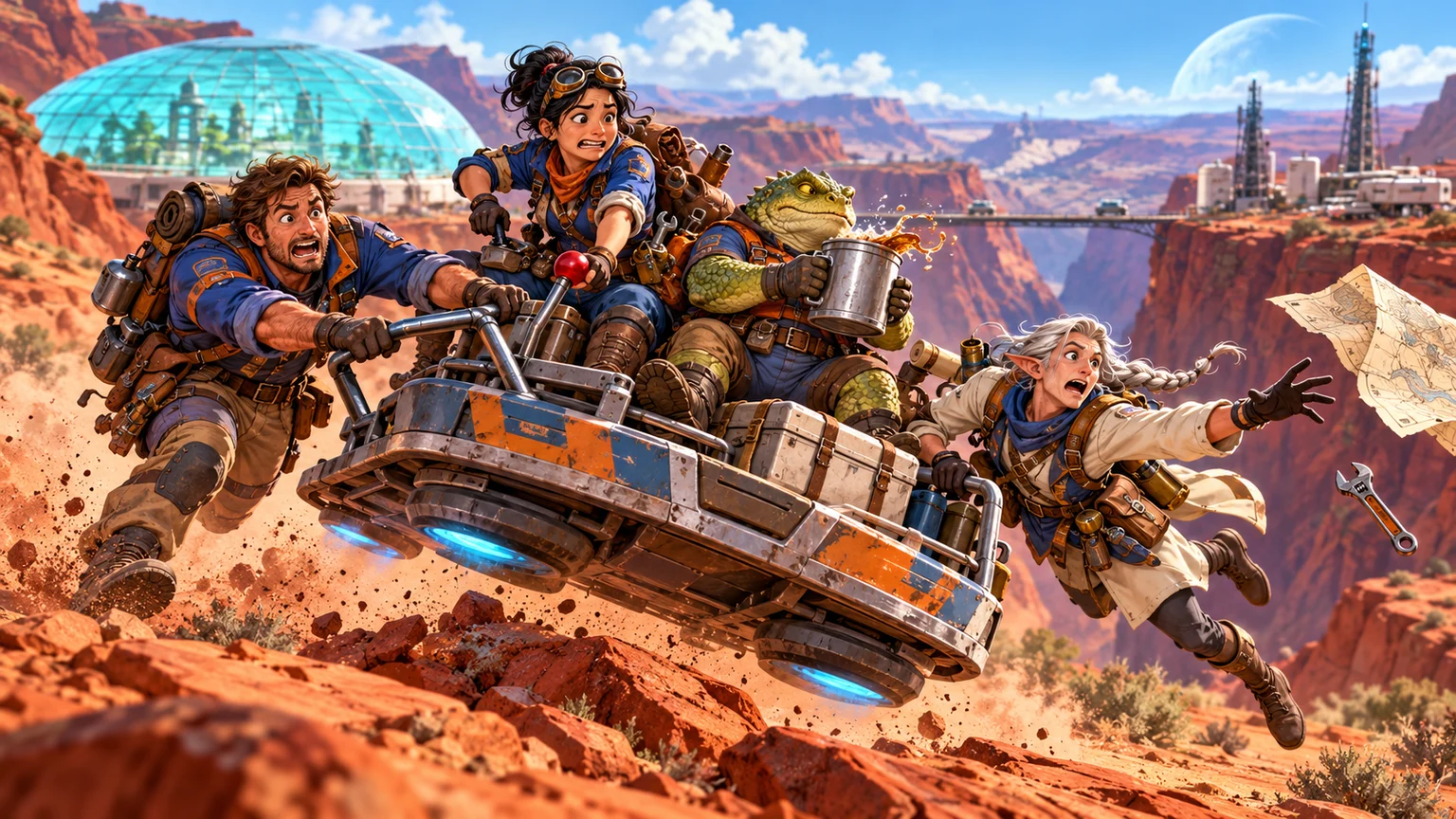
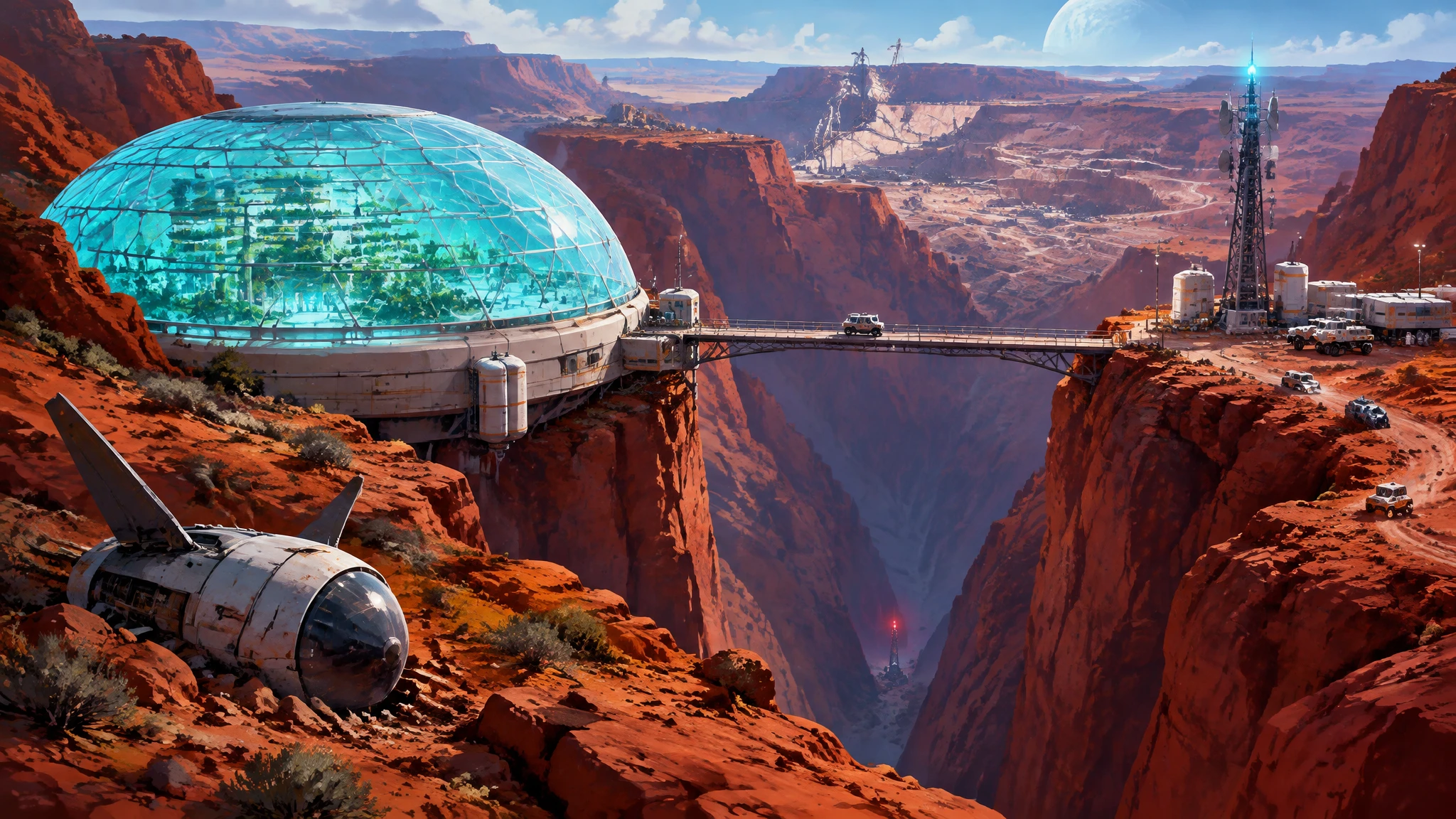
The hover-sled gets away from them. Make it a Memory.
A Vision shows the place the crew reached. A Memory captures what the crew did there. Both GMs and Players can create one.
Describe the moment
As a GM, choose New → Memory. As a Player, choose New memory. Add a Title and describe what happened in The moment. Select available scene and character references when they help.
Make an image worth keeping
Choose Generate Memory, review the result, then Use this image.
Share it with the party
Choose Share Memory. If you associate a scene, it needs to be revealed first.
Jax, our driver, wrestles with the controls as our mechanic, Tala, reaches for the brake. Orin, our navigator, dives after a flying map while Bex tries to save their drink.
Know what happens when a Player shares
Player Memories publish immediately by default. If the GM enables Require GM approval before Memories are published in campaign Settings, they wait for GM review instead.
A session isn’t required to make a Memory. Sessions help organise play and give you archives to revisit afterward.